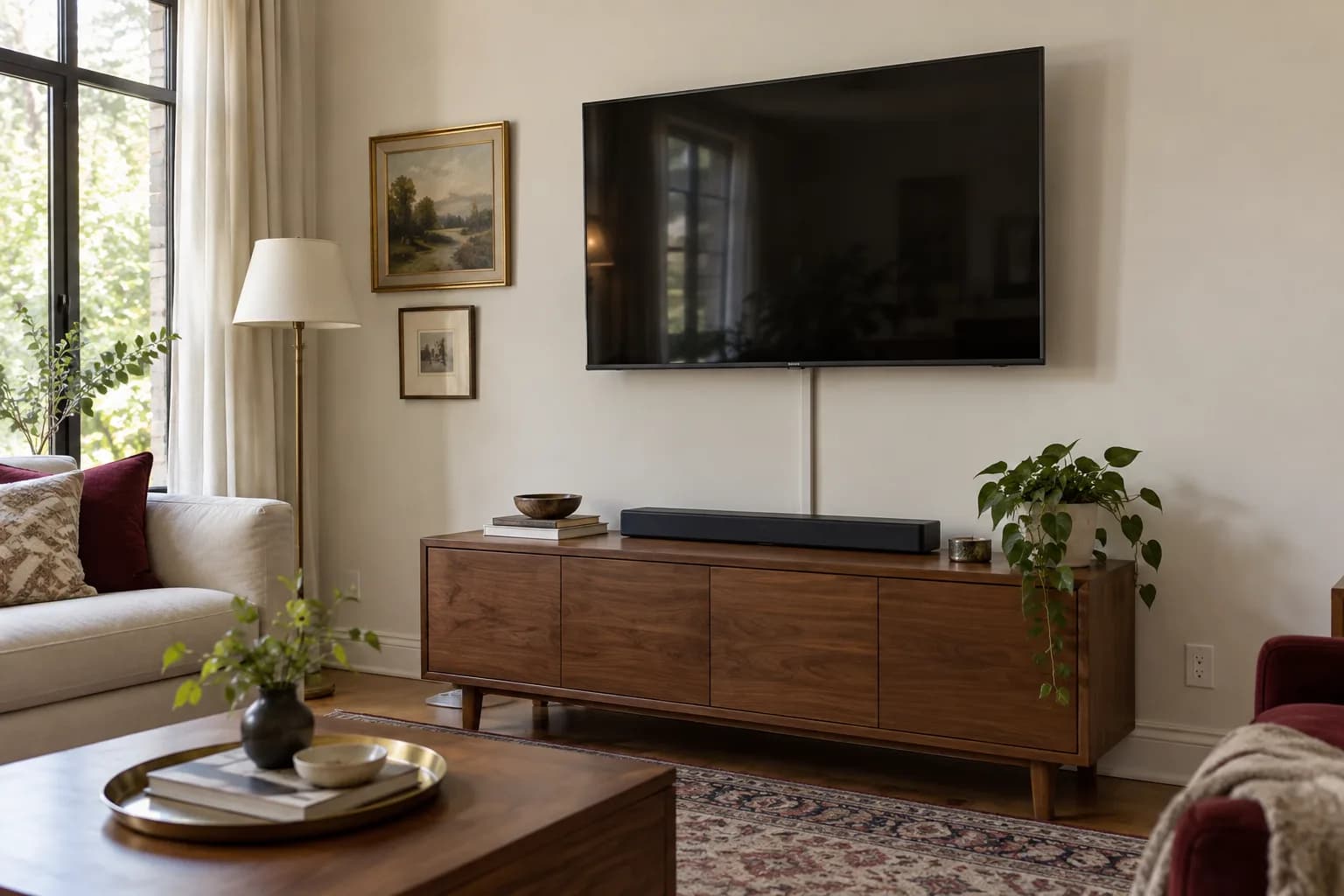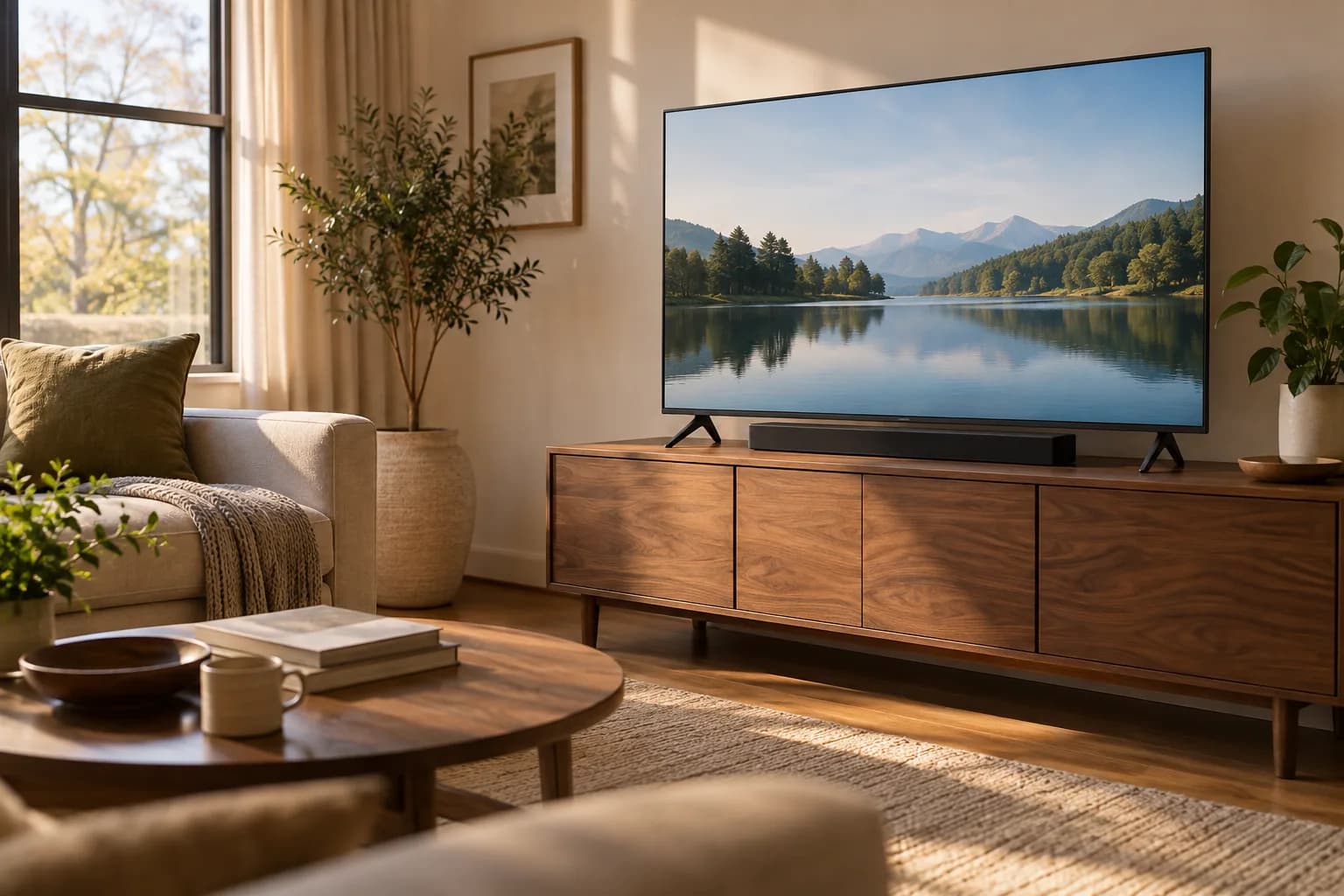
Plan the TV and soundbar as one arrangement
A soundbar chosen after the TV is mounted can become an awkward surprise. It may cover the screen's lower edge, block a remote sensor, sit beneath an overhanging shelf, or need more clearance than the remaining gap provides. Measure both products before committing to the screen position.
Begin with the exact model numbers, their manuals and a sketch of the cabinet or wall. The goal is a layout that works from your normal seats and leaves room for every component to operate as designed. A photograph of another room cannot establish the clearances for your equipment.
Establish the viewing position first
Sit where you normally watch, including the seat used most often. Mark a provisional screen outline using its actual width and height. Consider comfortable viewing, furniture placement and window reflections before deciding where the soundbar belongs.
A soundbar should not quietly force the TV into a position you find uncomfortable. If the equipment stack is too tall, reconsider the cabinet, stand or speaker arrangement. Raising everything until it fits is only one option, and it may create a worse everyday experience.
Our TV size and mounting-height guide explains how to assess the screen in relation to the room. Keep the outline provisional until the soundbar's requirements and mounting options have been checked alongside it.
Read the soundbar's placement instructions literally
Different soundbars have different driver arrangements and clearance requirements. Some need space above or beside them; some are designed for a particular orientation and compatible wall bracket. Do not copy a universal gap from an online installation photo.
For a concrete example, the Sonos Arc guide specifies at least 4 inches between the top of that soundbar and the bottom of a TV above it. Its wall-mount guidance also calls for space at the ends. Those are instructions for that product, not dimensions to apply automatically to other Sonos models or other brands.
Write the actual requirements on your sketch, distinguishing the product dimensions from the empty space around it. Include overhead shelves, side panels and decorative objects. If a manual does not clearly address your recessed cabinet or unusual layout, ask the manufacturer before assuming it is suitable.
Measure the cabinet in three dimensions
Cabinet width is only the beginning. Measure its usable depth, the TV stand footprint, the soundbar footprint and the space occupied by connectors at the back. A cabinet may look generous from the front while offering little room between the TV feet and its leading edge.
Use paper outlines to represent the feet and soundbar on the cabinet top. Check whether all support points will rest fully on a suitable surface. Keep the TV and speaker within their mounting and support instructions; do not balance either on an overhang to gain clearance.
Now view the mock-up from the sofa. Does the speaker overlap the picture? Can the remote reach the TV's receiver? Can you access the soundbar's controls? A soundbar that fits beneath the panel physically may still obstruct a sensor located lower on the TV body.
Choose where the soundbar will be supported
There are three common planning approaches: placing the speaker on suitable furniture, using its approved wall bracket, or using a compatible accessory that attaches to the TV mounting arrangement. Each needs its own compatibility check.
Furniture placement makes later access straightforward if the surface and clearances work. A separate wall bracket fixes the speaker to the room while the TV may move. An approved TV-mounted accessory may let the speaker follow a swiveling screen, but it adds weight and changes the space needed around the equipment.
The SANUS WSSAFM1 instructions explicitly require checking the combined TV, soundbar, accessory and mount limits and identify incompatible bracket configurations. That illustrates why a bracket advertised for a soundbar still needs verification against the rest of the installation.
Do not assume spare screw holes on a TV mount are attachment points for any accessory. Identify the intended combination and use its approved hardware and instructions.
Draw the complete movement envelope
If the TV swivels or extends, draw where the screen, speaker and bracket will travel. Check the far corner of the screen near curtains or cabinets and the speaker ends near the wall. Include its normal resting position as well as the occasional viewing angle.
A hypothetical living room may use a flat screen position for the sofa and a slight turn toward the dining table. A cabinet-mounted speaker remains facing forward during that turn. A speaker moving with the TV needs a wider clear area and suitable cable slack. Neither arrangement is automatically right; choose based on actual use and compatible equipment.
Our fixed, tilting and full-motion mount guide provides the broader movement comparison. Soundbar placement belongs in that decision before a bracket is purchased.
Map the connections before hiding them
List the television, soundbar and each source device: streaming player, game console or disc player. Check the manuals for the required connection path and supported audio features. Matching connector shapes alone does not establish that every desired feature will work.
Label the relevant TV ports in your sketch. Note their direction and the space occupied by plugs. Allow cables to follow the manufacturer's bending guidance, and ensure movement will not trap them between the wall and mount. Keep enough access to replace a failed cable later without improvising around fixed furniture.
The power plan also matters. Locate existing outlets and keep power cords routed according to their instructions. Concealed electrical changes need a separate qualified assessment; a soundbar mounting appointment should not be assumed to include them. Our TV wire-management guide helps distinguish surface organization from more involved work.
Test the ordinary situations you actually use
Before finalizing cable covers or placement, test everyday operation where the equipment can be safely supported. Try a TV app and an external source you regularly use. Confirm that sound comes from the intended speakers and that the normal remote controls the intended volume.
Listen from the main seats at a comfortable level. Test spoken dialogue as well as music, and note any obvious synchronization problem. Follow the product setup instructions for supported room adjustment features. Do not promise yourself a particular surround effect based only on a product label; the equipment, content and room all influence the result.
Also test ordinary inconveniences: reaching the power control, changing an input, plugging in a temporary device and cleaning around the speaker. These are small tasks that become frustrating when every connection is trapped behind an otherwise tidy installation.
Prepare one complete installation brief
A useful brief contains:
- TV, soundbar and mount model numbers.
- Cabinet dimensions and photos from the seating position.
- Desired TV position and the manufacturer's speaker clearances.
- Whether the TV needs to swivel or extend.
- Source devices, ports and existing outlet locations.
- Proposed soundbar support and verified compatibility information.
- Any access restrictions or parts still undecided.
Keep the manuals with the equipment after setup. Replacing the TV or soundbar later should trigger another compatibility review, even if the new device has similar dimensions.
For help evaluating a mounting layout, see TV mounting or request an estimate with that brief. Confirm the soundbar bracket, cable organization and any separate work in the proposed scope before ordering accessories.