Quick answer
Generic online size charts assume a generic room. Yours isn't one. The more reliable approach is to start from your actual seating distance, mock up a few candidate sizes on the wall with painter's tape or cardboard before you buy, and check any size-and-distance guidance the manufacturer publishes for the model you're considering. For height, a practical starting point is to put the center of the screen near eye level for your main seated viewing position — which you can find with a simple test, not a fixed inch measurement that works for every room.
Start with your seating distance, not the size chart
"Ideal TV size" charts work from assumptions about viewing distance and how much of your view the screen should fill, and those assumptions aren't the same everywhere — which is why two calculators can recommend different sizes for the same room. Instead of trusting a generic chart, start with a number you actually know: the distance from your main seat (the couch, the recliner, the head of the bed) to the wall where the TV will hang. Measure it in your own room, not the showroom.
From there, a few practical judgment calls matter more than a formula:
- Sitting closer makes a larger screen feel more immersive but also makes the picture's imperfections (pixels, compression artifacts on lower-quality sources) more visible.
- Sitting farther makes a smaller screen feel underwhelming and can make text or detail hard to read comfortably.
- Your primary use matters. A room mainly used for movies at night tolerates a larger, more immersive screen better than a kitchen TV glanced at during the day.
Test before you buy
Before committing to a size, mock it up on the actual wall:
- Look up the actual width and height of the model you're considering (the spec sheet lists them; the advertised diagonal alone won't tell you), then cut cardboard or mark painter's tape to that size on the wall where the TV will hang.
- Sit in your normal spot and look at the mockup, not just from directly in front but from any other seat that regularly gets used.
- Repeat with a size up and a size down if you're between two options — the difference is usually more obvious in the room than on paper.
- If the manufacturer publishes viewing-distance guidance for that model, read it alongside your mockup; it's more specific to that screen than a generic chart.
This short exercise helps you avoid two familiar regrets: a TV that dominates a small room, and a TV that looks lost on a large wall.
Check the room's other constraints
Size and distance aren't the only variables:
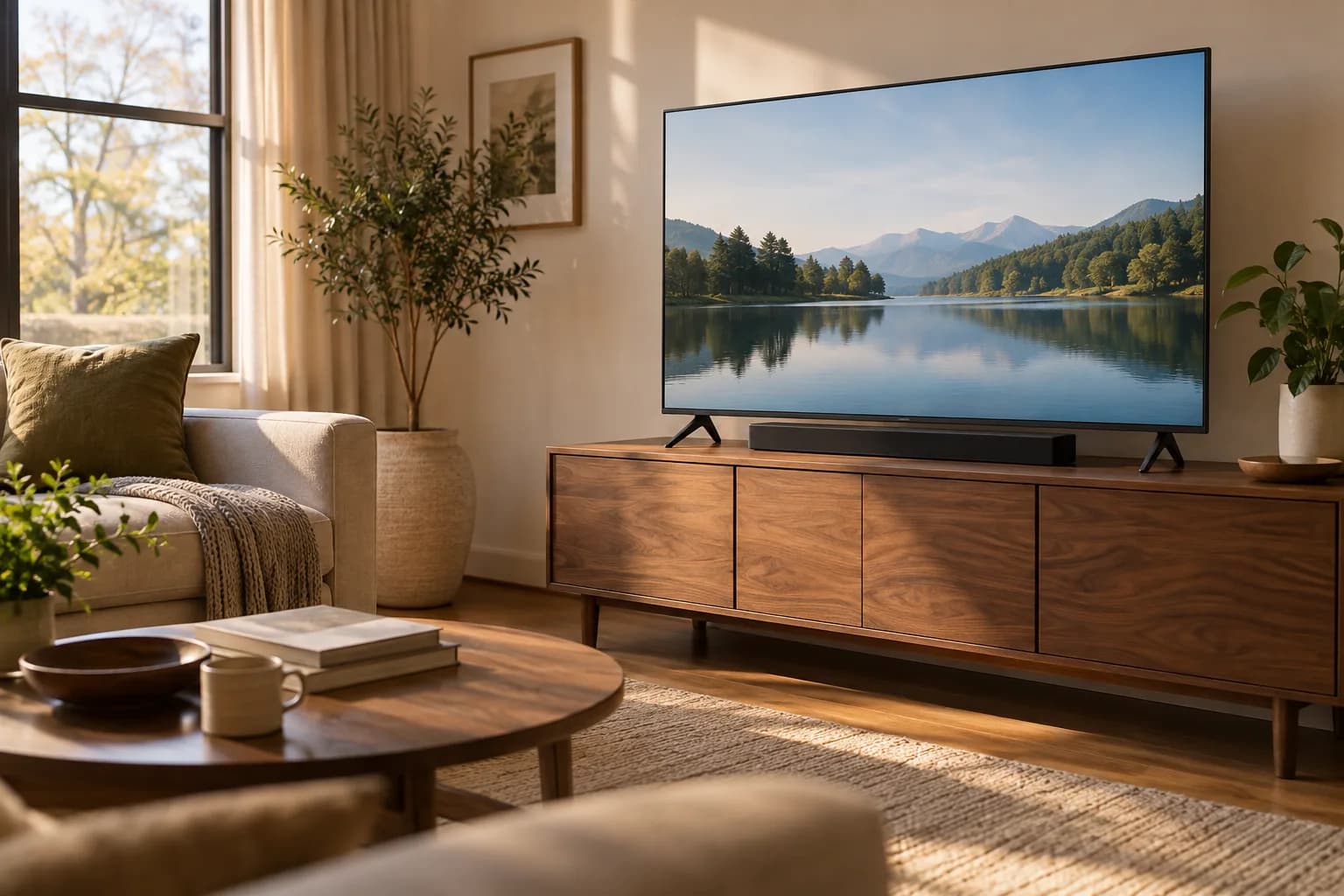
- Window glare. A screen on the wall opposite a large window can pick up reflections, and a bright window right beside the screen makes it harder to see — worth checking at the time of day you'll actually watch most.
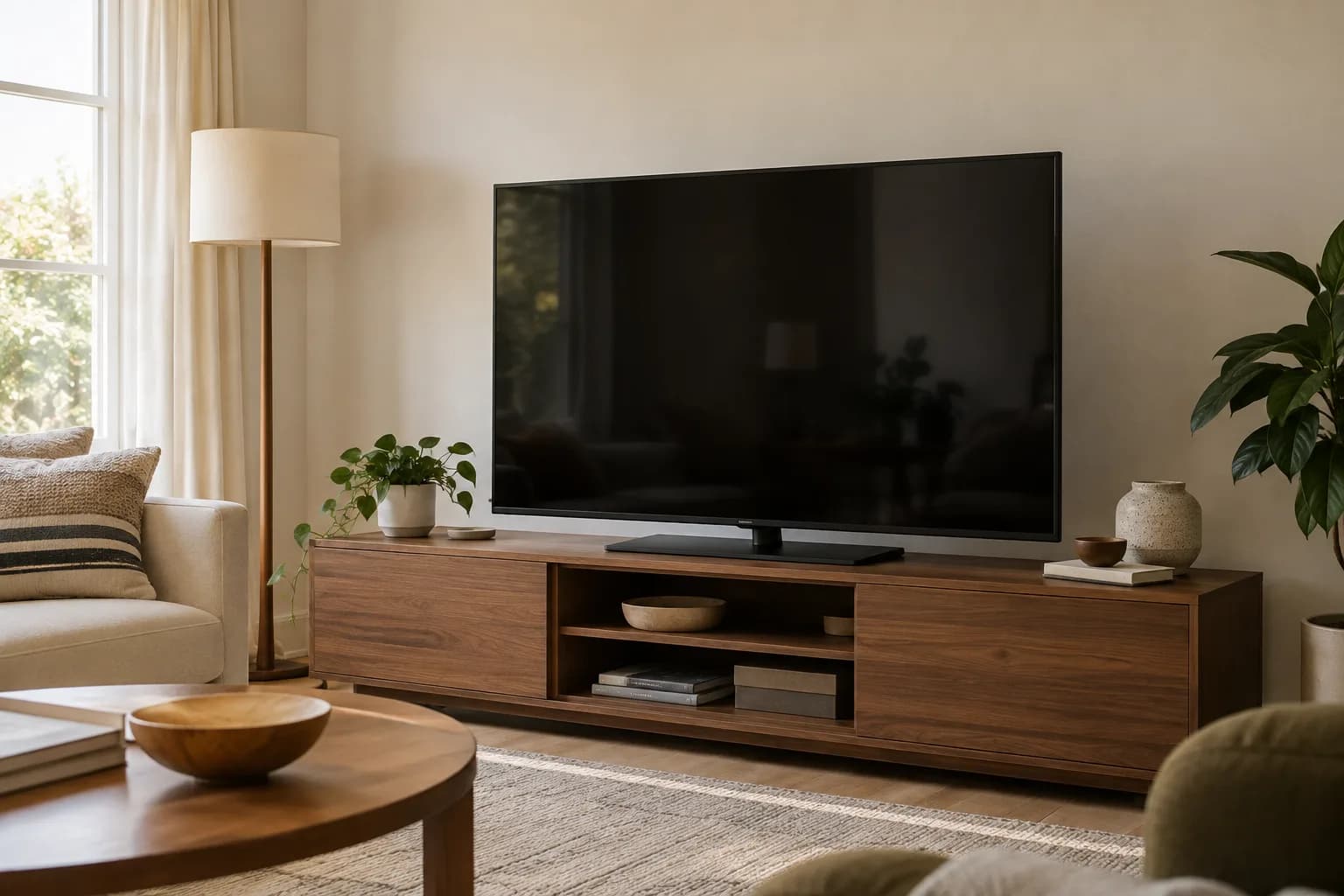
- Wall width and furniture below. A TV should generally have some visual breathing room on either side rather than spanning nearly the full width of the wall or a media console.
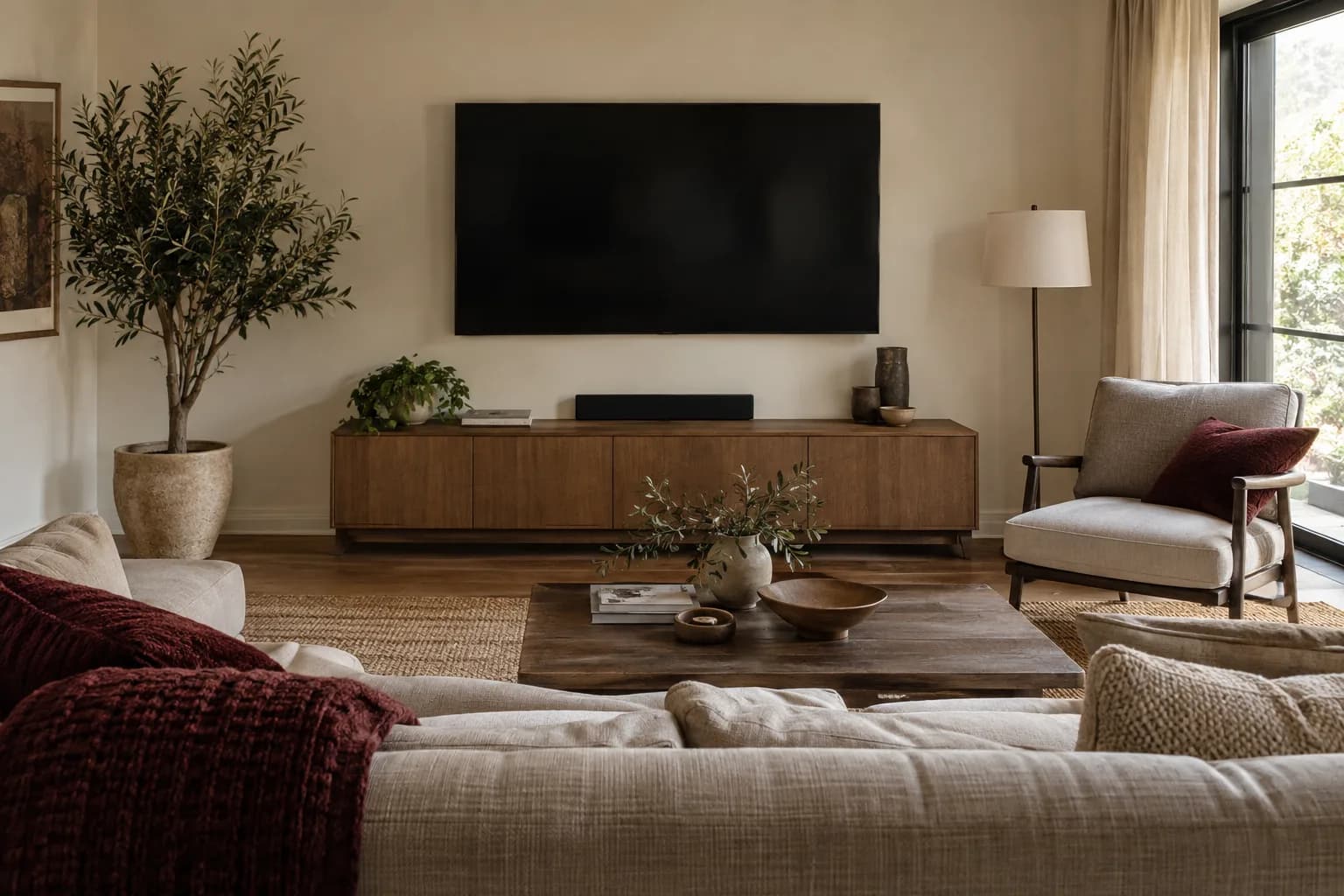
- What's below the TV. A soundbar, console, or fireplace mantel below the screen affects both the ideal height and how much cable routing space you'll need.
Mounting height: match the screen center to eye level
A practical rule of thumb is straightforward: aim for the center of the screen to sit near eye level from your primary seat, rather than a fixed height off the floor that ignores your furniture and seating. A simple way to find that height without guessing:
- Sit in your main viewing seat, in your normal posture.
- Have someone hold a box, a piece of cardboard, or the TV itself (carefully, and only if it's already out of the box and safe to lift) at a candidate height against the wall.
- Adjust up or down until the center of that mockup lines up with your eye level.
- Mark that height before drilling anything.
This is also where a tilting mount can help: if the room layout forces the TV higher than eye level — a common situation over a fireplace — a downward tilt points the screen toward your seats so you see it closer to straight-on. It doesn't lower the screen, though, so you'll still be looking up. We cover the tradeoffs between mount types in more detail in our guide to choosing a TV wall mount.
Special cases
- TV over a fireplace. This is a common request, but the mantel height often puts the screen well above ideal eye level for a seated viewer. A tilting or full-motion mount improves the picture angle, but the screen still sits high, so weigh that against other walls in the room. Also check the TV's manual for any placement limits near heat sources before you commit to that spot.
- Corner walls or angled rooms. A full-motion mount that swivels toward the main seating area is usually a better fit here than a fixed mount sized for a wall that isn't actually facing the couch head-on.
- Multi-purpose rooms. If the same wall serves a dining table and a couch at different times, plan the height and mount type around whichever seating position is used most, and consider a full-motion mount to adjust for the rest.
Quick checklist
- Measure your actual seating distance in the room, not a showroom guess
- Mock up 1-2 candidate sizes on the wall with tape or cardboard before buying
- Check the model's spec sheet for its real width, height, and weight
- Sit in your main seat and mark eye-level height before drilling
- Note glare sources (windows) at the time of day you'll actually watch
- If the ideal spot is above eye level (like over a fireplace), plan on a tilting or full-motion mount
Mock up the complete setup, including what sits below it
Mark the screen's actual width and height on the wall, not just its diagonal. Add the soundbar, console, shelves, and visible cable route to the mockup. Leave the tape in place long enough to sit in the usual seats and move through the room. Painter's tape should be appropriate for the surface, and newly painted walls need the coating manufacturer's guidance before any adhesive is applied.
Check the least favorable seat as well as the favorite one. A wide sofa, an armchair at the side, and a dining table used for occasional viewing create different angles. Decide which use should govern the position instead of expecting one arrangement to be ideal from everywhere.
A screen that fits the available wall may still crowd the room visually or block an outlet, switch, or door swing. Conversely, a smaller screen may leave room for a more useful console and cleaner cable route. Choosing a size is a room-planning decision, not a contest to fill the largest possible rectangle.
Check the television and the bracket as a pair
The television's mounting-hole pattern is one compatibility input, not the entire installation specification. Confirm its weight without the stand, the bracket's supported range, required hardware, and the location of ports. Some connectors need more clearance than a very slim mount provides. Use the exact model's instructions when selecting spacers and fasteners.
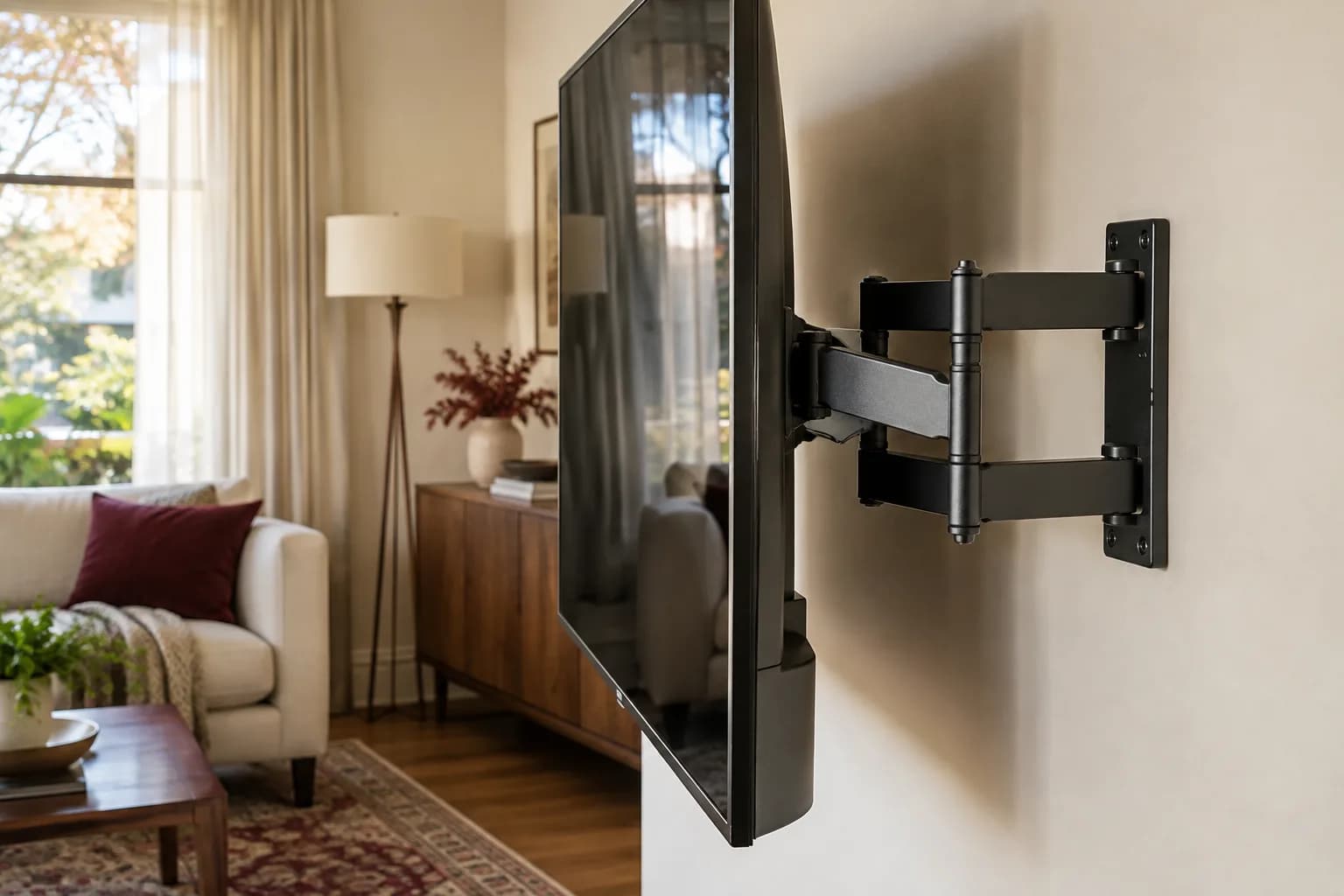
For a full-motion mount, consider the whole movement path. The screen should not hit a cabinet, window trim, or another object when turned. Cables need sufficient slack for the intended motion without becoming trapped. Extending the arm also changes the loading on the wall attachment; the mounting method must be appropriate for that use.
If a fireplace is part of the proposed wall, consult the fireplace and television manufacturers' requirements and a qualified professional where needed. Heat, clearances, wall construction, and comfortable viewing can all constrain the plan. A photograph of someone else's above-fireplace installation is not evidence that yours will be suitable.
Finish with a seated check before approving the position
Sit where you normally watch and assess your head and neck position, reflections, and subtitle readability. Test the height with the mockup before drilling. If the screen will be tilted, consider whether that solves glare without making everyday viewing awkward. The best result is the position that works in your actual room within the equipment's installation limits.
Record the agreed center point or reference height and the selected bracket model. Send that plan with wide room photographs when requesting installation. Our fixed, tilting, and full-motion mount guide helps with the bracket choice, while the wall-material guide explains why the final fastening method still needs an on-site assessment.
FAQ
Is a bigger TV always better if the wall can fit it? Not necessarily — a screen that's too large for your seating distance can feel overwhelming or make picture flaws more visible, especially with lower-quality sources. The mockup test is a better guide than "as big as the wall allows."
Is mounting a TV above a fireplace a mistake? It's a common setup and works fine for many rooms, but it usually means the screen sits above ideal eye level, which is worth planning for with a tilting or full-motion mount rather than treating as a minor detail.
Do I need a different, sturdier mount for a very large TV? Often, yes. The VESA mounting standard groups displays by size and weight, with the largest category covering screens up to 90 inches and 250 lbs, and mounts are rated for specific hole patterns and weights. Check the mount's listed weight capacity and hole spacing against your TV's spec sheet, not just its advertised screen-size range.
Why do online size calculators give me different answers? They start from different assumptions, which is exactly why a calculator is a starting point at best — testing the size in your own room with a mockup is more reliable than any single online tool.
Plan the size and height before you drill
If you'd like a second opinion before you buy, or want the height and mount type planned around your actual room, request an estimate with a few photos of the wall and your seating. See our full TV mounting services.