Quick answer
Fixed mounts hold the TV flat against the wall with no movement — the slimmest profile, best when you'll always watch from roughly the same spot directly in front of the screen. Tilting mounts add up-and-down angle adjustment — useful when a TV sits higher than eye level, like above a fireplace, or when you want to angle the screen away from window reflections. Full-motion (articulating) mounts extend, swivel, and tilt — the right choice when you view the TV from multiple seating positions, an angled room, or want to pull the screen out to see behind it. Beyond mount type, the mount also has to be rated for your TV's hole pattern and weight — that part isn't optional, and a mismatch is easy to miss until installation day.
Fixed mounts: simplest, slimmest, least flexible
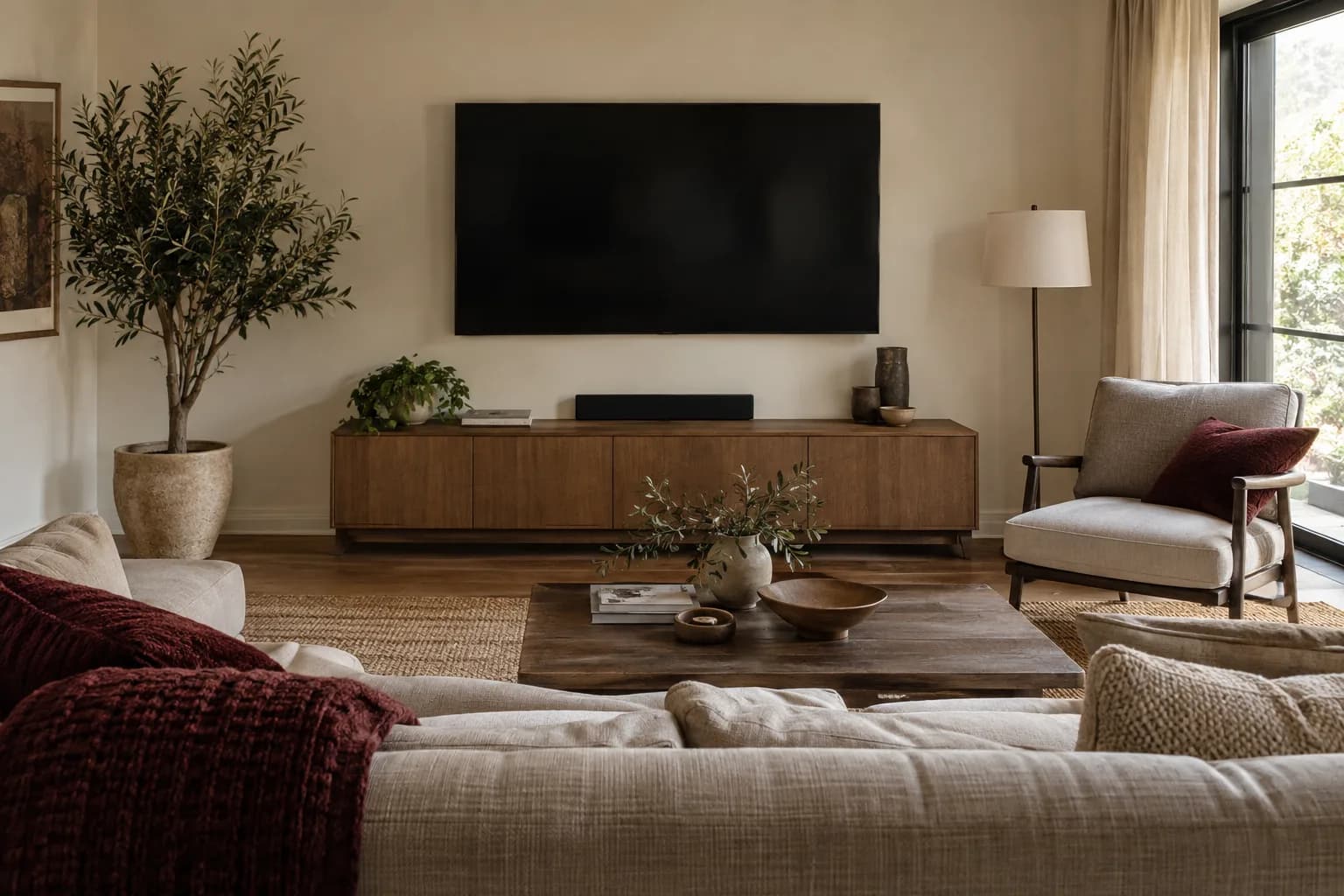
A fixed mount holds the TV closest to the wall of the three types, with zero tilt or swivel. It's the right call when:
- The room has one main seating position directly in front of where the TV will hang
- The TV will be mounted at or near eye level already, so no downward tilt is needed
- You want the lowest possible profile, similar to a picture frame
The tradeoff is that a fixed mount also means whatever cables or ports are on the back of the TV are harder to access after installation, since there's no room to swing the screen away from the wall.
Tilting mounts: for TVs above eye level
A tilting mount allows the TV to angle downward (and sometimes slightly upward), typically within a limited range. This solves a specific, common problem: a TV mounted higher than ideal — often above a fireplace — pointing straight out into the room instead of down toward where people actually sit. Angling the screen toward the seats means you're looking at it closer to straight-on, which can help picture quality on screens that look different off-angle and can cut reflections. What tilt doesn't do is lower the screen: if the TV is uncomfortably high to look up at, a tilt won't change that, so mounting height still matters (see our TV size and mounting height guide).
Tilting mounts sit slightly further from the wall than fixed mounts to leave room for the tilt mechanism, but they're still a comparatively low-profile option.
Full-motion (articulating) mounts: the most flexible, and the heaviest-duty
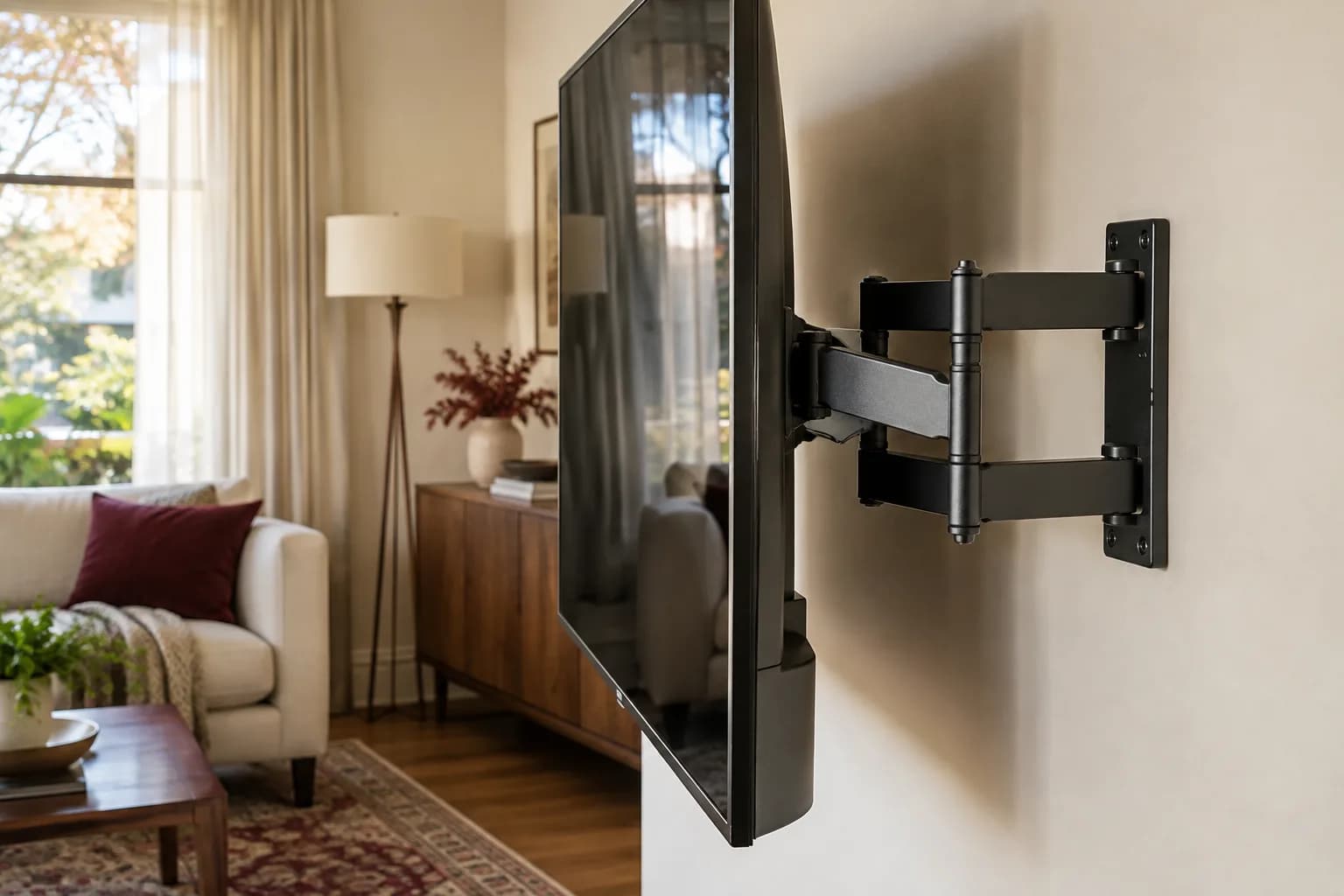
A full-motion mount extends out from the wall on an arm, then swivels left and right and tilts up and down — some also rotate the TV between landscape and portrait. This is the right choice when:
- You watch from more than one spot in the room (a kitchen with a dining area and a couch, for example)
- The TV is on a wall at an angle to the main seating area, not directly opposite it
- You want to pull the screen away from the wall to reach cables, ports, or a soundbar mounted behind it
- The room is a multi-purpose space where the ideal viewing angle changes depending on how furniture is arranged that day
Full-motion mounts are bulkier and sit further from the wall even when retracted, and because the arm creates leverage, the wall anchoring behind it matters even more than with a fixed or tilting mount.
Comparing the three at a glance
| Mount type | Movement | Distance from wall | Best for |
|---|---|---|---|
| Fixed | None | Lowest | Single, straight-on seating position |
| Tilting | Up/down angle | Low-to-moderate | TV mounted above eye level, e.g. over a fireplace |
| Full-motion | Extend, swivel, tilt (some rotate) | Moderate to high when extended | Multiple seating angles, corner walls, need to access the back of the TV |
The other half of the decision: matching the mount to your TV
Mount type is only half the job — the mount also has to physically fit your TV. Most flat-panel TVs and monitors follow a standardized mounting interface on the back, commonly called a "VESA mount" after the Video Electronics Standards Association. Its formal name is the Flat Display Mounting Interface (FDMI), and it exists so mounts and displays from different manufacturers can work together. The standard is organized by screen size and weight categories, not just hole spacing:
- 12" to 22.9" diagonal displays weighing up to 30.8 lbs: a four-hole interface
- 23" to 30.9" diagonal displays weighing up to 50 lbs: a six-hole interface
- 31" to 90" diagonal displays weighing up to 250 lbs: a multi-hole interface for larger, heavier screens
Those are the standard's display categories, not a rating for any particular mount. In practice: find your TV's VESA hole spacing and its weight in the manual or on the manufacturer's spec page, then confirm the mount's packaging or instructions list that hole spacing and a weight capacity above your TV's weight. A mount rated for a 55" TV isn't automatically fine for a heavier 65" set even if the hole pattern happens to line up — weight rating and hole pattern are two separate checks.
Wall type changes what mount is realistic
The mount type you want and the wall you're mounting it to don't always agree without some extra hardware. Drywall over wood studs is the most straightforward case. Older homes — including plenty of houses around Pittsburgh — often have plaster-and-lath walls, which are harder and more brittle to drill into, or masonry (brick or block) that needs different anchors entirely. A heavier full-motion mount puts more leverage on those anchor points than a fixed mount does, which is worth factoring in before you pick the most flexible option by default.
Quick decision checklist
- Identify your main seating position(s) relative to where the TV will hang
- Choose fixed (one straight-on view), tilting (TV above eye level), or full-motion (multiple angles or need cable access)
- Confirm your TV's exact VESA hole pattern and weight
- Confirm the mount's rated weight and hole pattern match — don't assume by screen size alone
- Identify your wall type (drywall, plaster, brick) before assuming any mount will anchor the same way
Draw the movement envelope before buying
A full-motion mount needs more room than its flat position suggests. Use the TV's actual dimensions to outline where its corners would travel when turned toward your usual seats. A cardboard outline or a taped layout on the wall can help you visualize the screen without lifting it repeatedly. Check nearby cabinets, doors, trim, curtains, and anything that could collide with an extended screen.
Then consider where the screen should return when you are finished. A mount may fit mechanically but leave the TV off-center in its resting position because of how its arms fold or where the wall plate must attach. Compare the manufacturer's dimension drawing with the intended wall location before ordering. Wall structure remains part of this decision; visual centering cannot override the supported attachment method.
For a hypothetical corner seating arrangement, a modest amount of swivel may solve the viewing problem while a very long extension introduces unnecessary clearance complications. Conversely, a fixed mount can be frustrating if the ports you use regularly become inaccessible. Choose the amount of movement that solves a real need.
Include the connected equipment in the plan
List the devices that will connect to the TV and where they will live: streaming box, game console, receiver, soundbar, and any occasional laptop. Check the location and direction of the TV's ports. A cable plug that projects straight backward can matter when a slim mount leaves limited space, and an adapter may create its own clearance issue.
Plan cable length across the intended movement, not only from the flat TV to the cabinet. There should be enough supported slack for the approved range without trapping or sharply bending the cable. A soundbar attached to the TV may move with it; a soundbar on a cabinet will not. Confirm the compatibility and load assumptions of any accessory bracket rather than treating it as weightless.
Decide how you will reach power and source controls later. A clean installation should still be serviceable when a cable fails or equipment changes. If the layout needs electrical work or concealed routing, have that assessed separately before the mounting appointment is treated as a complete wiring solution.
Make the handoff a demonstration
Once installed, ask for a demonstration of the movement and adjustment intended for everyday use. Some settings are installation adjustments rather than controls to turn each time you watch. Know where it is appropriate to hold the screen and what resistance is normal for that model; do not force an arm against an obstruction or through a range it was not designed to reach.
Check the view from your actual seats and the TV's normal resting position. Confirm that connected devices work and that cables remain free as the TV moves through the agreed range. Keep the mount model, manual, and TV information together. A future screen replacement should trigger a fresh compatibility check, even if the new screen looks about the same size.
FAQ
Can I upgrade from a fixed mount to full-motion later without new holes? Sometimes, if the new mount uses the same wall bracket footprint, but it's not guaranteed — it's usually simpler to decide on the mount type you actually need up front.
Does every TV support VESA mounting? Most flat-panel TVs do, but always check the specific model's spec sheet for its VESA pattern and mounting weight rating rather than assuming.
Is a full-motion mount overkill for a bedroom TV watched from one bed? For a single, consistent viewing angle, a fixed or tilting mount usually does the job with a lower profile and simpler installation — full-motion earns its cost when the viewing angle actually changes.
What if my wall is plaster instead of drywall? It can usually still take a mount, but finding solid framing behind plaster and lath takes more care, and drilling carelessly can crack the plaster. Use the fasteners the mount maker specifies for your wall, and consider having someone experienced assess it, especially for a heavier full-motion mount.
Get the right mount, installed right
If you're not sure which mount type fits your room, or want the wall checked properly before anything gets drilled, request an estimate with your TV size and room photos and we'll quote it with the full price or full hourly rate up front. See our full TV mounting services.