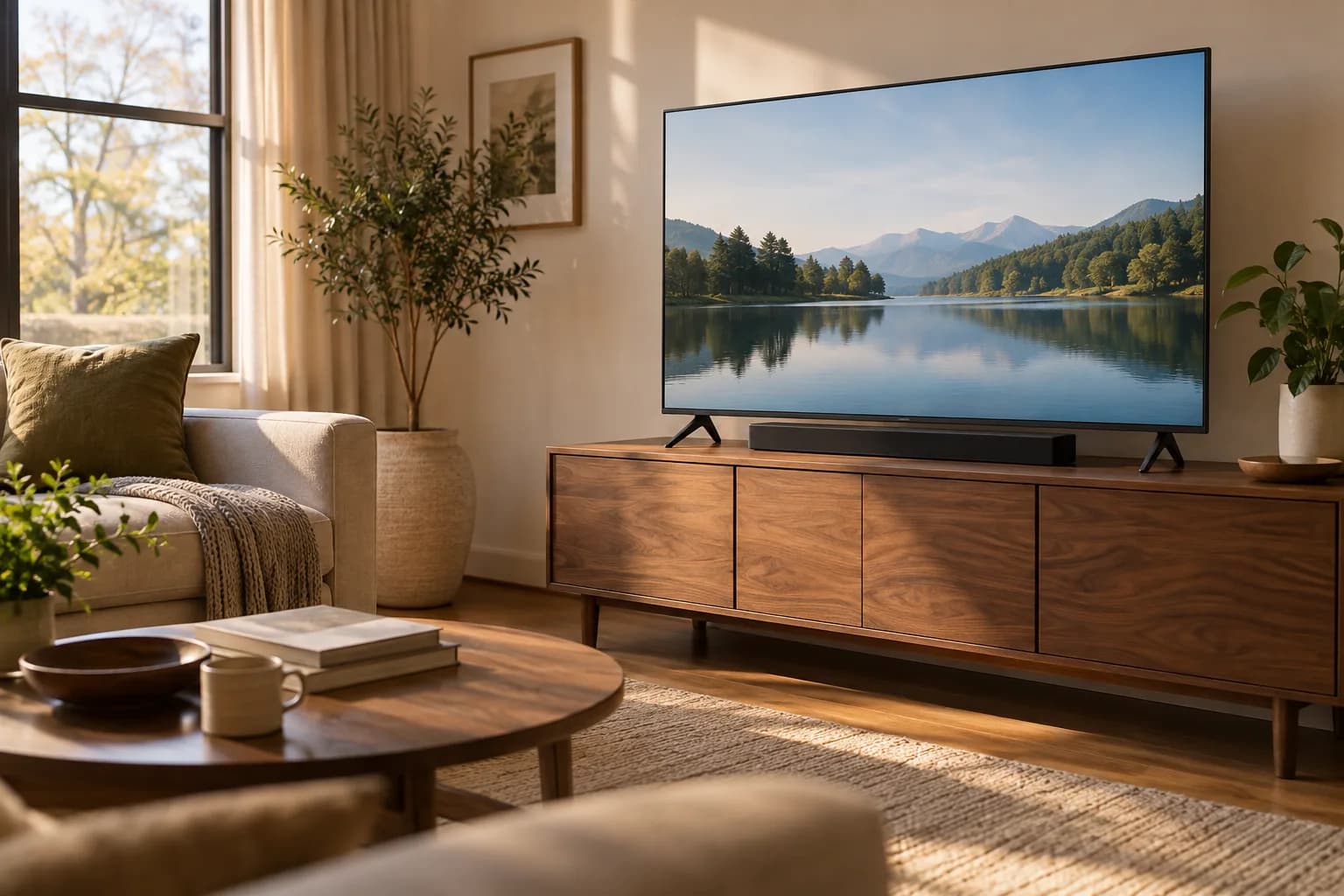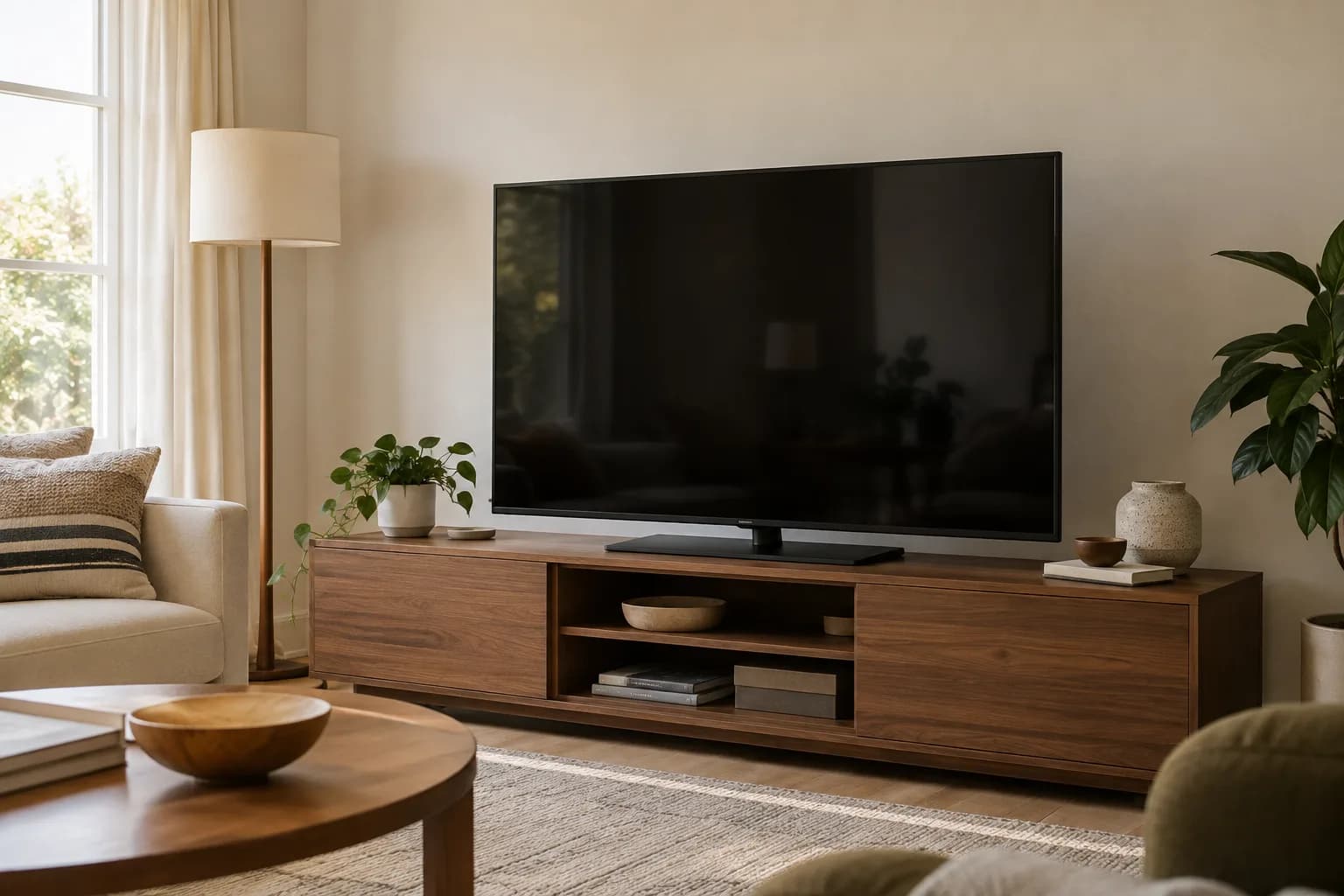
A stand solves placement; safety still needs a plan
You can often arrange a TV without hanging it on the wall, using its original feet, a compatible tabletop stand or an appropriate floor stand. The important limit is that "no wall mount" does not necessarily mean "no anchoring required." Check the TV, stand and furniture instructions before buying a setup around that assumption.
CPSC's Anchor It guidance recommends securing TVs and furniture to reduce tip-over hazards. If a required restraint conflicts with your rental restrictions, resolve that conflict with the property owner before using the arrangement. Adhesive strips are not a substitute for a specified structural connection.
Clarify the actual rental restriction
Find out whether the restriction concerns large wall-mount holes, any fasteners, a particular wall finish or all alterations. Request the owner's instructions in writing, including any approved process for a safety restraint. This guide cannot determine your lease rights or what your property owner will permit.
Keep the question specific: identify the TV and proposed stand, show the relevant restraint instructions, and ask whether that attachment is permitted. A broad statement that the setup is "renter friendly" leaves too much unanswered.
If no suitable attachment is allowed and the equipment requires one, choose a different approved arrangement or postpone installation. A floor stand is not automatically exempt from safety requirements simply because its product photo shows no wall behind it.
Start with the TV's original support parts
The feet or pedestal supplied for the exact television are worth evaluating before buying an accessory. Confirm that you have the correct parts, all specified screws and the manufacturer's instructions. Parts from a similar screen size may have different attachment details.
Measure the assembled support footprint, including how far it extends forward and backward. Compare it with the actual usable cabinet top. Every support point needs to sit correctly on an appropriate surface, with the TV oriented and secured as instructed.
If the original feet are missing, use the model number to seek genuine compatible replacements or documented aftermarket compatibility. Do not buy a random pair based on the screen's diagonal. Photograph the model label while the TV is safely accessible so you do not have to move it repeatedly.
Assess the furniture underneath
A TV stand rests on furniture, and that furniture has its own job to do. Check its intended use, condition, load guidance and anchoring instructions. A dresser with a convenient flat top is not automatically an appropriate media cabinet.
Look for loose connections, an uneven base or a damaged top. Keep a heavy television off temporary stacks of boxes, improvised risers or loose shelves. Do not assume that adding weight low in a cabinet replaces the restraint specified by its manufacturer.
Consider the depth of the whole setup near a walkway. A cabinet that crowds the route around a sofa is vulnerable to accidental contact and may make cable organization harder. Our furniture and TV anchoring guide explains why the furniture and screen should be considered separately.
When a tabletop replacement stand makes sense
A compatible tabletop stand can be useful when the TV's original feet are too widely spaced or when a documented height adjustment would improve the arrangement. Check screen compatibility, weight, mounting-hole pattern, hardware requirements and the stand's footprint.
The SANUS VSTV2 manual is an example of why the exact instructions matter: it provides model-specific compatibility checks and assembly steps rather than treating every television as identical. Use the manual for the product you actually choose, including the TV manufacturer's mounting requirements.
Check the available height positions before ordering. The lowest setting might still place the screen too high on your existing cabinet; another setting might block rear connectors or leave insufficient room for a soundbar. Build a dimension sketch instead of relying on the adjustable label.
When to consider a floor stand
A floor stand moves the support down to the floor and can reduce dependence on a cabinet. It also introduces a base that needs clear floor space. Measure that base and the screen's position above it, including any intended swivel.
Check the exact product's restraint requirements, allowed surfaces, load limits and locking mechanisms. If it has wheels, understand when and how the manufacturer permits movement; do not roll a large screen across thresholds merely because the stand is mobile.
A hypothetical narrow apartment may have space for a screen against one wall but insufficient room for the stand's feet beside a doorway. Another room may fit the base well but place the screen at an uncomfortable height. Both problems can be identified with a paper floor outline before purchase.
Treat anti-tip accessories as complete systems
A strap may connect the TV, furniture and wall rather than merely tying the screen to a cabinet. For example, the SANUS ELM701 product information describes connections between all three. Omitting a required part of that system changes the arrangement.
Do not attach a restraint to a decorative cabinet backing unless the instructions explicitly permit the attachment. Do not substitute adhesive hooks, cord ties or unrelated hardware because they avoid holes. Confirm the intended connection with the manufacturer if the available furniture construction is unclear.
Keep children and pets away during setup, and keep the screen out of use if its required safety measures are unresolved. A lower screen position or a heavy-looking base does not provide proof that an unrestrained configuration is suitable.
Make viewing comfort and cable access part of the choice
Sit in your normal position and mark the proposed screen outline. Compare the height with your actual furniture rather than a generic installation photo. Our screen-size and height guide offers a way to evaluate the arrangement before lifting the TV.
Map cables to existing outlets and devices. Keep them out of walking routes and away from places where a door, drawer or swiveling screen could pinch them. Leave connections accessible for maintenance. Surface cable organizers also need to be compatible with the rental's finishes and removal requirements.
Do not route ordinary power cords inside walls to make a freestanding arrangement look like a wall installation. If the desired position requires electrical changes, seek an appropriately qualified assessment and property approval instead of improvising.
Keep the next move in mind
Save the original feet, screws, stand instructions and labeled hardware bags. Photograph the final connections before the first move. When disassembling, follow the product instructions and arrange enough help for the actual size and weight of the screen.
Avoid transporting a television on an attached stand unless its transport instructions allow it. Planning the next move now prevents missing parts from becoming another purchase later. It also makes it easier to return to the original configuration if a new rental has a different layout.
Use a purchase checklist before committing
Confirm the exact TV model, the proposed support's compatibility, the full footprint, comfortable screen height, cabinet condition, required restraint and property permissions. Add cable routes and access to the TV's ports. Any unanswered item is a reason to pause that purchase, not necessarily to abandon the room plan.
For help discussing a setup, see TV mounting and setup information or request an estimate with your model numbers and room photos. State that you are renting and describe the actual drilling restrictions so the proposed work can be assessed against them.