Quick answer
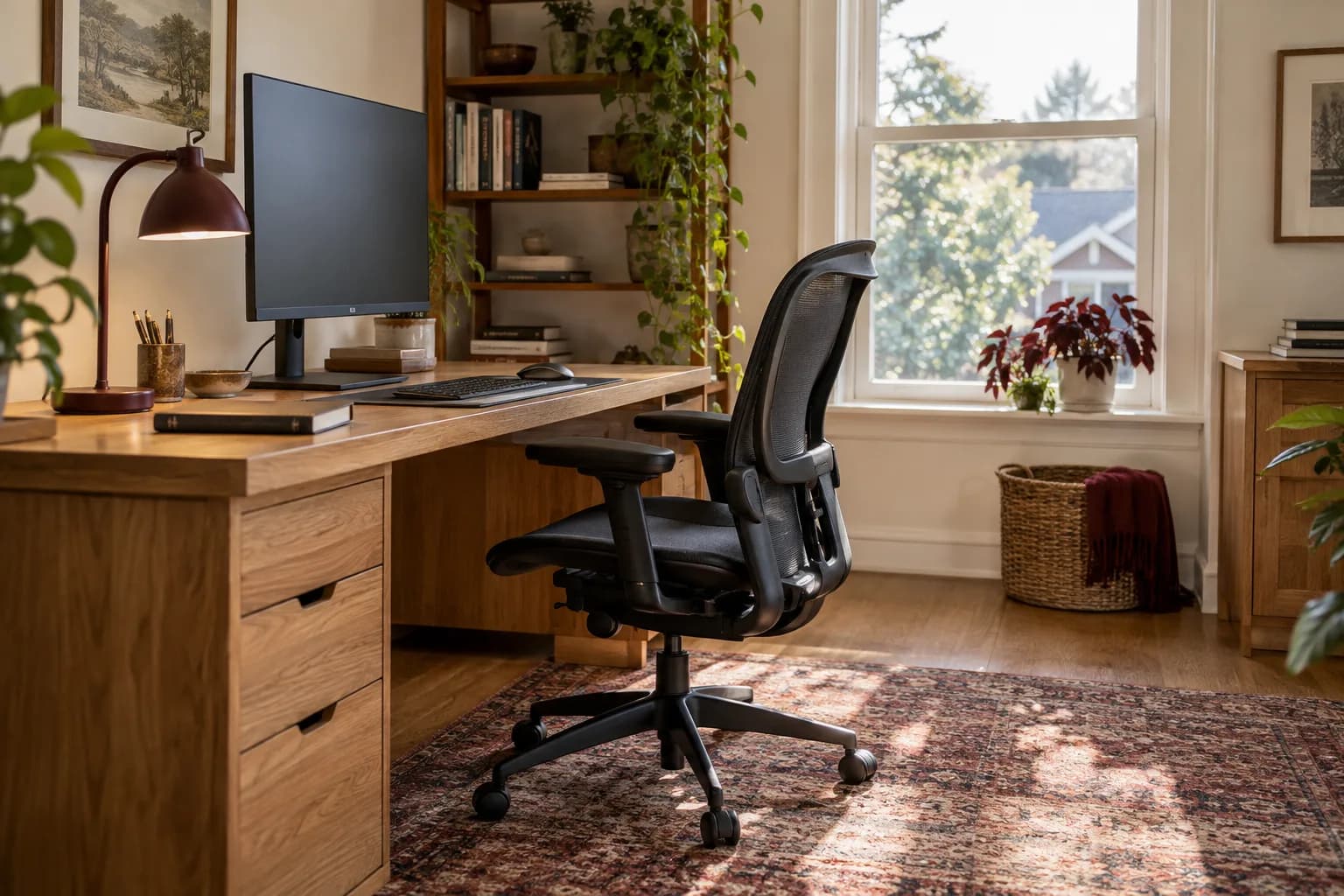
A desk and chair you sit at for hours every day are worth more scrutiny than furniture you barely touch. For the desk, prioritize a stable frame, a surface deep enough for your monitor and keyboard, and a height that lets your arms rest comfortably. For the chair, prioritize independent adjustments — seat height, backrest, armrests, seat depth — over cushioning or looks. A well-built desk and chair, assembled correctly, should let you set up a neutral, supported posture; a wobbly desk or a chair with only one adjustment usually can't, no matter how it looks in a photo.
Why daily-use furniture deserves a closer look
A bookshelf that gets dusted twice a year can tolerate a lot of compromise. A desk and chair you use for a full workday, five days a week, can't — small problems compound. A desk that flexes slightly under a laptop and monitor arm becomes an annoyance within a week. A chair that only adjusts seat height, with no lumbar or armrest control, forces the same compromise posture every single day. None of this shows up in a product photo. It shows up after the return window closes.
Desks: what actually matters
- Frame stability. Push down on one corner of a floor-model desk, or check reviews for wobble complaints. A desk with cross-bracing or a solid H-frame usually feels steadier than a simple four-leg design, especially once a monitor arm or extra weight is added to one side.
- Surface depth, not just width. A wide desk with too little depth still crowds your monitor too close to your eyes. If you're using a monitor arm, check the desk's front-to-back depth against the arm's clamp requirements.
- Cable management built in. Grommet holes, a rear cable tray, or a channel underneath keeps a multi-cable setup (monitor, dock, lamp, charger) from turning into a mess on day one.
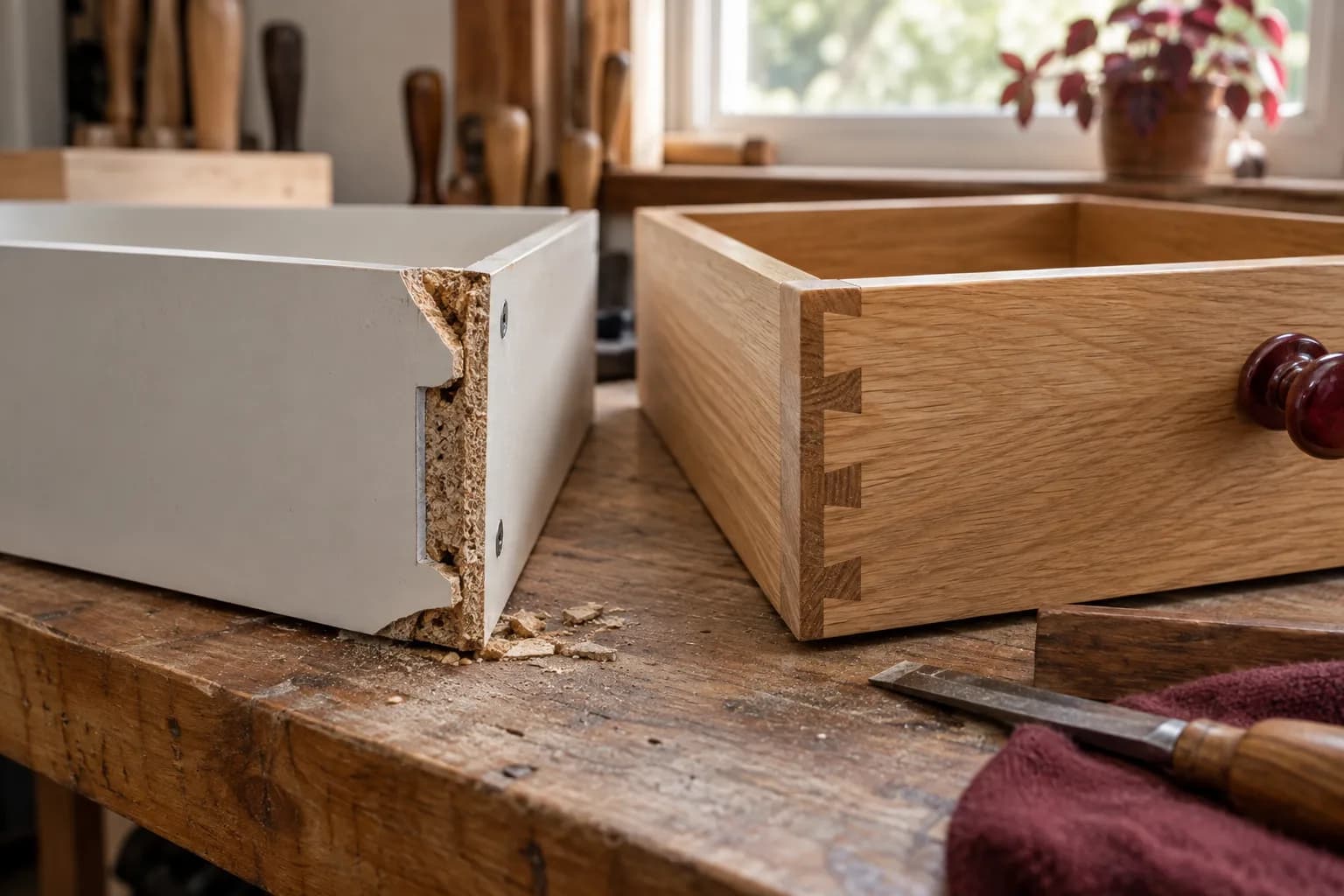
- Weight rating, if you plan to mount a monitor arm, add a second display, or use a heavier all-in-one PC. Clamp-on accessories put real leverage on the edge of a desk — a thin particleboard top can flex or crack under that stress, so check the manufacturer's clamp and weight guidance before adding one.
- Height, fixed or adjustable. A sit-stand desk is a legitimate option if you want to vary posture through the day, but it adds a motor, more hardware, and more assembly steps — worth knowing before you commit to putting it together yourself.
Office chairs: the adjustments that actually matter
Comfort in an office chair comes less from padding and more from how many parts of your posture it lets you set independently. The State of California's ergonomic workstation guide for computer users lists the chair adjustments below; they're a useful checklist before you buy:
| Adjustment | What good looks like | Why it matters |
|---|---|---|
| Seat height | Feet flat on the floor, or a footrest if the chair won't go low enough | The same guide suggests knees at the same level as, or slightly lower than, your hips |
| Backrest height/tilt | Fits the small of your back (lumbar curve) and can tilt to stay upright for different tasks | Supports your spine instead of leaving your lower back unsupported |
| Seat pan depth | No pressure behind your knees or thighs when your back is against the backrest | Lets you sit back against the backrest without the seat edge pressing into your legs |
| Armrests | Adjustable height, supports your forearms with shoulders relaxed | Lets your shoulders stay relaxed instead of hunched |
The same guidance recommends setting your work surface at elbow height for typing, keeping your mouse at that same height so your wrist stays relatively straight, and positioning your monitor so your eyes land at or just below the top of the screen — details that are easier to hit consistently when your chair actually has the adjustments to support them. It also cites the National Institute for Occupational Safety and Health (NIOSH) recommendation to interrupt computer work with a short break every couple of hours, since even a well-adjusted setup doesn't prevent fatigue from sitting in one position.
A single-lever chair that only raises and lowers the seat can't deliver most of that. It might look similar in a photo to a chair with four or five independent adjustments, but the daily experience of using it is very different.
What happens when you skip this
A desk that flexes under a monitor arm eventually loosens at the joints where the legs meet the top — a problem that gets worse, not better, with time. A chair whose gas cylinder slowly sinks under your weight usually needs that part replaced rather than adjusted. Stripped bolt holes in a particleboard desk top, from over-tightening during assembly or repeated disassembly for a move, often won't hold a fastener again without a repair. These are the same failure patterns as other furniture — they just show up faster on something used eight hours a day.
Assembly is where the details get real
Desks and chairs tend to have more hardware and more torque-sensitive steps than most flat-pack furniture:
- Chairs with gas-lift cylinders need the base, casters, and cylinder seated correctly before the seat goes on — done wrong, the chair can wobble or the cylinder can bind.
- Sit-stand desks add a motor, control box, wiring between the legs, and sometimes an initial reset or height-limit setup step described in the manual, none of which a fixed-height desk has.
- Monitor arms and desk grommets are easier to fit before the desk is pushed into place, and in some designs the manual has you add them before the top is attached.
- Cable channels and grommets are much easier to route cables through before the desk is pushed against a wall, not after.
Buying checklist
- Push-test the desk frame in the store or check reviews for wobble complaints
- Confirm surface depth works with your monitor arm or monitor distance, not just desk width
- Check the chair has independent seat height, backrest, seat depth, and armrest adjustments — not just one lever
- Confirm the chair's weight rating matches your needs
- If buying a sit-stand desk, check the assembly instructions for a wiring and calibration step before you commit to DIY
Try the workstation as a complete arrangement
A chair that feels good in a showroom may behave differently under your own desk. Bring the relevant dimensions: desktop height, clear space under the top, drawer position, and the area available behind the chair. If you use a foot support, a keyboard tray, or a large monitor, include those in the plan. The goal is to understand whether the adjustments work together for your actual tasks.
During a trial, simulate typing, reading a document, reaching for a notebook, and turning toward a second screen. Check that the chair can approach the work surface without its arms colliding with the desk. Notice whether controls are easy to reach and whether you can repeat an adjustment without a complicated reset. A premium feature has little value if you cannot conveniently use it.
This is a fit exercise, not a promise that furniture will prevent or treat pain. If you need accommodations for an injury or health condition, use appropriate professional guidance alongside the product's adjustment range. A furniture listing cannot decide those needs for you.
Plan shared rooms and adjustable desks carefully
For a hypothetical shared home office, list each person's essential settings and the devices that stay on the desk. A desk that adjusts may make switching easier, but only if the chair, monitor position, and cables can accommodate both users. A fixed desk may be entirely sufficient when its dimensions suit the work and the room. Compare the whole arrangement rather than buying movement for its own sake.
Measure the swept space of drawers, chair movement, and an adjustable desktop. Look for shelves, window ledges, radiators, and wall-mounted objects near that path. Check the desk maker's load and assembly instructions for the configuration you are buying. Do not assume its rating applies to every aftermarket shelf, monitor arm, or unevenly distributed load.
Cable reach matters at both ends of adjustment. A setup can look clean when lowered but pull a dock, printer cable, or wall plug as it rises. Route and test movement with the intended equipment in place, keeping the manufacturer's clearance guidance in mind. Avoid permanently concealing cables before this check.
Use the assembly walkthrough to test daily tasks
Before packaging is removed, check that the ordered components and accessories arrived. After assembly, try every adjustment, drawer, and control. Verify that the chair rolls and turns as expected on the intended floor and that the desk sits properly. Ask about any manufacturer-prescribed inspection or retightening rather than applying a universal schedule to every design.
Keep the assembly instructions, purchase record, and part labels together. If a mechanism later stops working, those details help identify a replacement or warranty route. Photograph a concealed connection or cable route if it will be hard to see once the office is in use. Good daily-use furniture should be understandable to maintain as well as pleasant on the first afternoon.
FAQ
Is a standing desk worth the extra cost and assembly complexity? That depends on how you like to work through the day; it's a personal preference, not a must-have. If you go that route, budget more time (or a professional visit) for assembly, since the motor and wiring add steps a fixed desk doesn't have.
Do I need a "true" ergonomic chair, or will any adjustable chair do? Focus on the specific adjustments listed above — seat height, backrest, seat depth, armrests — rather than a marketing label. A chair with real, independent adjustments will usually serve you better than one with a premium label and only a height lever.
How long does assembling a desk and chair combo usually take? It varies with the specific models, especially for a sit-stand desk with a motor and cable routing, or a chair with a gas-lift cylinder and multiple adjustment mechanisms — plan for more time and care than a simple bookshelf.
Can I assemble a gas-lift office chair myself? Yes, most are designed for home assembly. Follow the manual's order for pressing in the casters and seating the gas cylinder, and make sure each part is fully and evenly seated; a part that isn't can leave the finished chair wobbly.
Get your home office set up right
If you'd rather not gamble a new desk or chair on a first attempt with unfamiliar hardware — especially a sit-stand desk with a motor and wiring — request an estimate and we'll quote the assembly with the full price or full hourly rate up front. See what else we cover for home offices on our furniture services page.