Quick answer
Before arranging work while you are away, confirm that the provider accepts an unattended visit and that the task can be completed without unresolved on-site decisions. Agree on entry, allowed rooms, owner availability, scope changes, and how the home will be secured afterward. Share only the access needed for the visit, and confirm that temporary access ends when it is no longer required.
Here, “remote” means you are coordinating an in-person home visit from elsewhere. It does not mean remote control of a computer. For that separate topic, use our remote computer-help privacy guide.
Decide whether being away fits the task
Some work has a clear end result and few decisions after arrival. Other tasks involve placement, color, comfort, private account sign-ins, or conditions that photos cannot settle. Ask what owner participation the provider expects before assuming that a phone number is enough.
If you need to approve a television's exact position, choose a wall-art layout, or confirm a desk arrangement, settle that beforehand or plan a live discussion at the relevant stage. If the decision cannot reasonably be made remotely, arrange for an authorized person to be present or schedule that part separately.
A first visit to assess an unknown issue may also need more discussion than a repeat cleaning with a settled scope. Be candid about the condition and uncertainty. An unattended appointment should not become open permission for the provider to choose materials, enter other rooms, or expand the work in your absence.
Confirm the service through a known contact
Keep the appointment details and accepted scope in one place. Know which provider is expected, how arrival will be communicated, and which contact channel you have already verified through the booking process. Do not release entry details solely because an unexpected message says someone is outside.
The FTC's home-improvement guidance emphasizes researching a provider and having the proposed work and price described in writing. For an unattended visit, that clear record also makes it easier to distinguish an expected appointment from an unsolicited approach.
If someone else manages the property, confirm their involvement before scheduling. The person arranging the service should be able to authorize both the work and the access method. Tell household members about the appointment so a legitimate arrival is not confused with an unexpected visitor.
Choose a limited and tested entry method
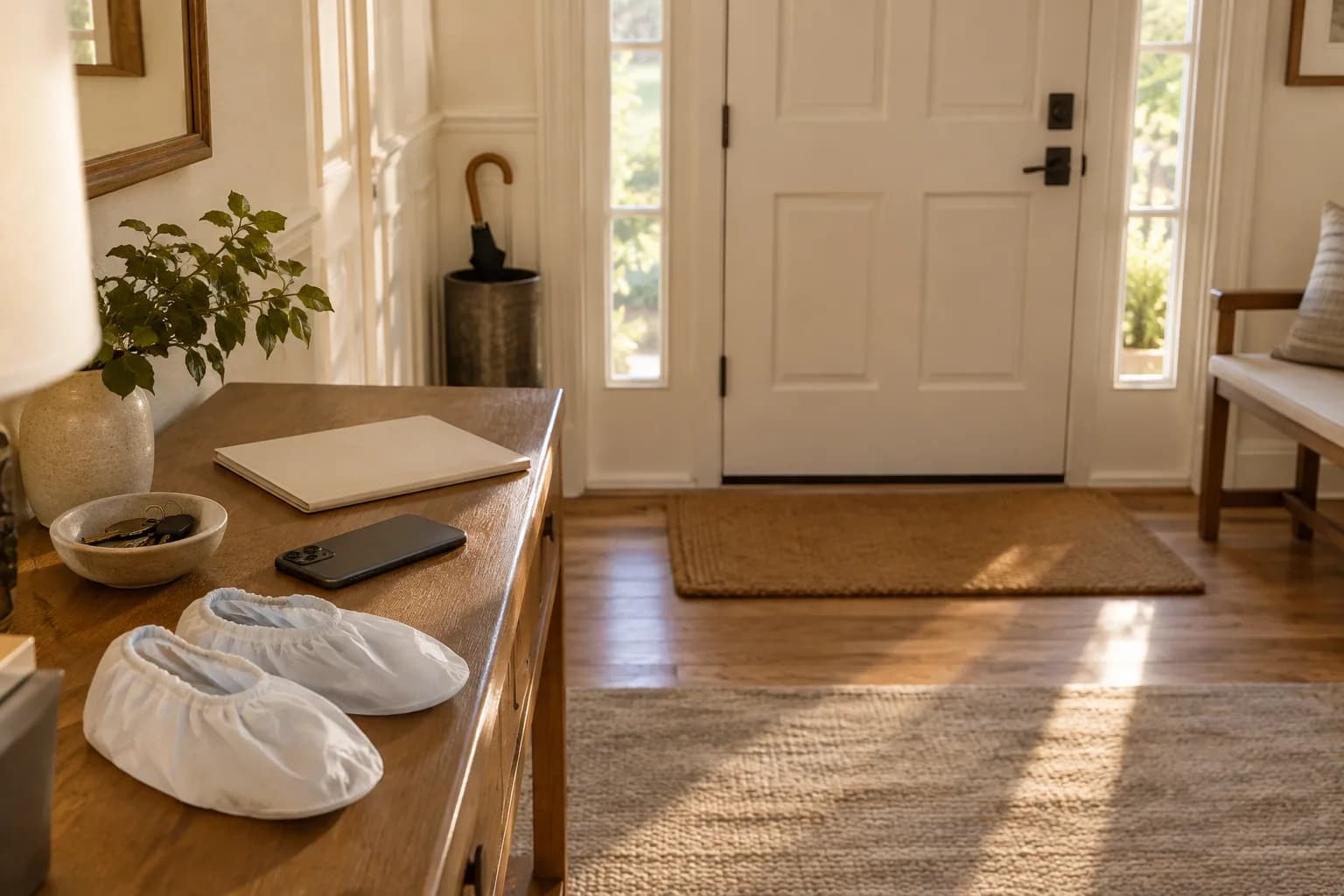
Discuss the method the provider can actually use: an authorized person meeting them, an approved key handoff, or an existing supported temporary access feature. Check building access as well as the unit door. A working apartment code is not useful if the front entrance remains inaccessible.
For a compatible lock, a unique scheduled code may be an option. Schlage describes temporary and recurring access-code schedules for supported smart-lock arrangements. Check the exact model and app instructions; do not assume your lock has that feature or that all integrations manage it identically.
Test the planned method before leaving, including its intended schedule, and keep an owner-controlled fallback. Share entry information privately through the agreed channel. Do not put a door code in a public project description, exterior photograph, or broadly shared household document. An administrative lock account is more access than a provider needs simply to enter for a cleaning visit.
Write useful arrival instructions
Provide the address, unit, correct entrance, and relevant parking or building arrangements. Explain any difference between the address seen from the street and the entrance the provider should use. Keep directions concrete rather than relying on a local landmark that may be unclear to a visitor.
Describe how the provider should announce arrival and what to do if access fails. A useful instruction is to contact the named person and wait for an agreed response. Avoid improvised entry attempts, asking an unrelated neighbor for access, or trying other doors without authorization.
Tell the team about a latch, door closer, or access condition that affects entry, without asking them to defeat a security feature. If a building requires its own advance arrangements, handle those with the responsible contact before the visit. A service confirmation does not establish that building access has also been approved.
Mark work areas and private areas
Make the intended workspace easy to identify. Label accepted tasks or provide a short room-based list, and close rooms that are outside scope where appropriate. Remove sensitive papers and valuables from surfaces that need work, rather than expecting the provider to sort them.
Arrange pets before leaving and confirm that the provider accepts the plan. A note saying “the dog is friendly” does not explain how entry and cleaning will work. Identify rooms that must stay closed and do not make the service team responsible for handling an unfamiliar animal as an unagreed extra task.
For computer or smart-device setup, plan owner sign-ins separately. Do not leave a list of account passwords beside the keyboard. If an essential step requires you and you cannot be available, acknowledge that it may remain incomplete. Physical access to the home should not automatically become unrestricted digital access.
Make remote decisions possible
Choose a primary contact and, if appropriate, a specifically authorized backup. Tell them the scope, limits, and expected window so they can give a useful answer. A backup contact who has no idea what was booked cannot reliably approve a substitution.
State what happens when nobody responds. The provider might pause the affected task and continue another accepted item, or stop the visit according to the agreed terms. Do not rely on an unstated assumption that the team will either wait indefinitely or make the decision for you.
If a change is proposed, request a clear description of the condition, recommended action, and effect on timing or price before approving it. Save the decision with the visit record. Our request-to-walkthrough guide describes how these checkpoints fit the overall service process.
Example: a cleaning visit during an office day
Imagine an owner who will be at work while the kitchen, bathroom, and living room are cleaned. The owner and provider agree that the bedroom stays closed with the cat inside. The owner prepares the pet area, clears the accepted surfaces, and confirms the entry method before leaving.
The provider sends an arrival message through the agreed channel. If the cat is unexpectedly loose or the entry method fails, the team contacts the owner instead of improvising. The owner has a short availability window for questions and a backup contact who understands the specific arrangement.
At departure, the provider reports the accepted work, any skipped area, and the agreed door-lock check. The owner checks the home after returning and ends temporary access through the supported process. This example works because each handoff has a named action, not because a smart lock or camera guarantees a successful visit.
Agree on evidence of completion and departure
Choose practical completion evidence: a short task note, agreed photographs of the work, or a live call for an item that benefits from demonstration. Limit photographs to the relevant result. Discuss any household cameras beforehand; do not assume a camera feed replaces an agreed walkthrough or establishes the details of the work.
Ask the provider to confirm departure and the agreed securing steps. A remote lock notification is useful information, but it does not by itself describe every room or window. Keep the departure checklist proportionate to the actual visit rather than expecting an unbooked whole-home inspection.
Before the appointment, confirm:
- Unattended work is accepted for the specific task.
- Entry and an owner-controlled fallback have been tested.
- Work areas, private areas, and pet arrangements are clear.
- The decision contact understands the approval limits.
- Unanswered questions have an agreed pause procedure.
- Completion, departure, and access removal have named steps.
When you request an estimate, say that you expect to be away and describe your availability. Taskburgh can discuss whether the listed service and access arrangement are appropriate before the appointment is scheduled.