Quick answer
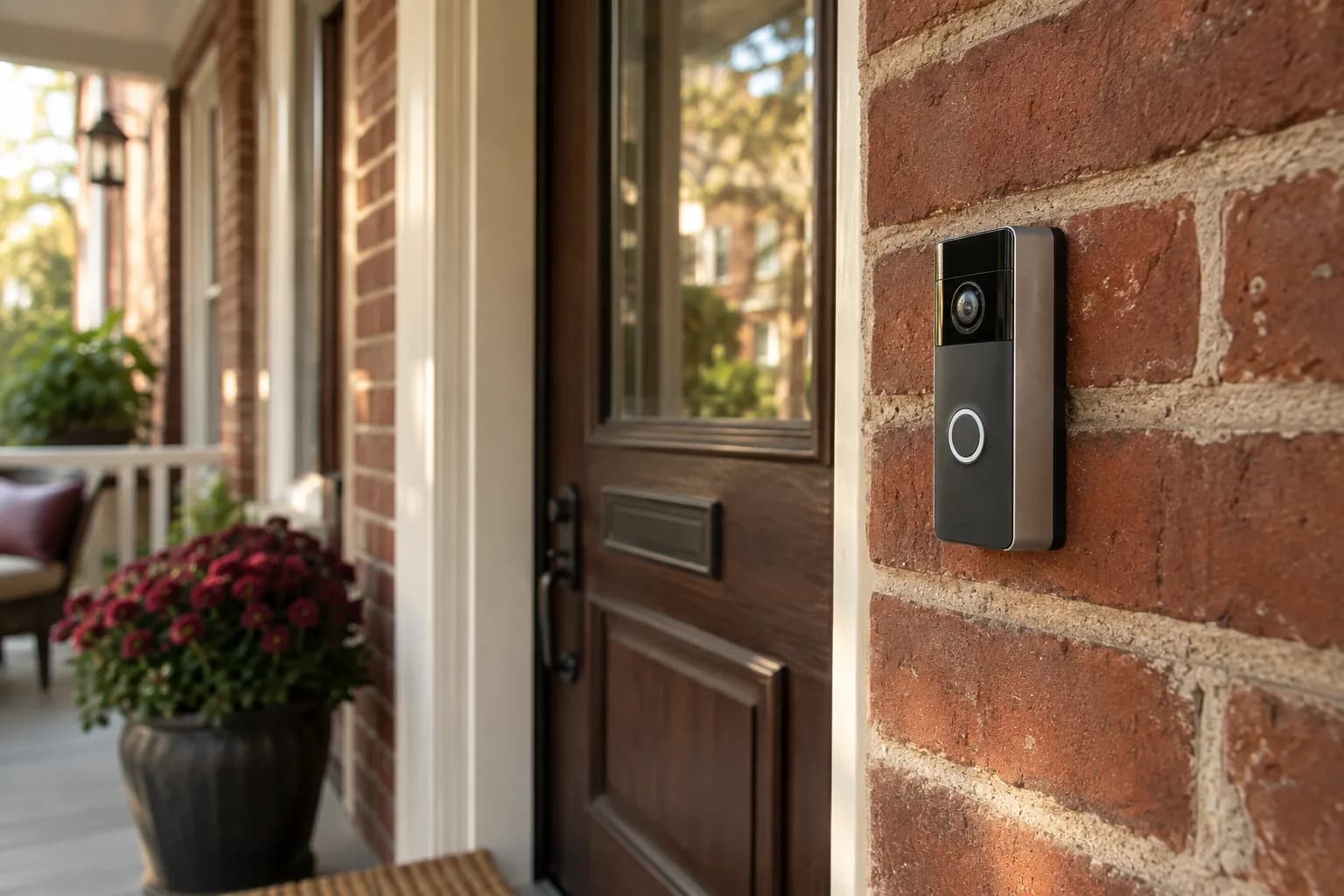
A video doorbell decision really comes down to three questions: battery or wired power, what the subscription actually covers versus what's free, and whether you've thought through the privacy side — especially audio recording, which Pennsylvania's wiretap law makes more than a settings toggle. Get those three right before you compare camera resolution or app features.
Battery vs. wired
Battery-powered doorbells can go where there's no doorbell wiring, and are the simplest option if you don't have a working doorbell circuit or don't want to touch it. The tradeoff is a battery you need to recharge periodically, with frequency depending on how much motion and video activity the doorbell records.
Wired doorbells connect to your home's existing low-voltage doorbell circuit, which means no charging — but it also means your existing transformer has to actually supply enough power. This is where installs can go sideways, because a video doorbell may need more power than the circuit was set up to deliver for a simple chime. As one example, Google says its Nest Doorbell (wired, 2nd gen) and 3rd gen models have higher power requirements than most doorbells and need a transformer rated for 16–24 V AC and 10–40 VA. Google's guidance is that the best way to make sure the transformer is installed correctly is to have a licensed electrician install the correct one. So a "wired" doorbell can turn into "wired doorbell plus a transformer swap," which is electrical work, not just a doorbell swap.
Before buying, compare your existing transformer's rating, which is usually printed on its label, with the specific doorbell's requirements. Transformers turn up in different places depending on the house: near the electrical panel, in a basement or utility area, or near the chime. If you can't find it or read it, that's a reasonable thing to have checked before you order.
What a subscription actually buys you
Many video doorbells handle the basics without a subscription, such as a notification when someone rings and a live view from your phone, but what's included varies by brand and model. Where subscriptions commonly come in is recorded video history — being able to scroll back and see what happened after the fact rather than only watching live — along with extras such as smarter alert types or longer clip storage. If your main goal is "know when someone's at the door and see them live," you may need less subscription than the marketing implies. If your goal is "have a searchable record of everything," check exactly what's included versus paid before you commit to a specific brand's ecosystem, since switching brands later can mean buying new hardware.
Privacy: audio and camera angle
Seeing who is at your own front door is what a video doorbell is for. Audio deserves a closer look before you turn it on, and so does where the camera points.
Pennsylvania's Wiretapping and Electronic Surveillance Control Act makes it a felony of the third degree to intentionally intercept a wire, electronic or oral communication (18 Pa.C.S. § 5703), except as the law allows. One of those exceptions (§ 5704(4)) covers interception "where all parties to the communication have given prior consent," which is why Pennsylvania is often described as an all-party consent state. The law's definition of an "oral communication" (§ 5702) is tied to whether the speaker had a justified expectation that the conversation was not being intercepted, so how it applies depends on the circumstances. The practical takeaway: a doorbell that records conversations of people who don't know it's listening is in legally sensitive territory, and wiretap rules differ from state to state.
This doesn't mean you can't have audio on your doorbell. It means it's worth being deliberate about it:
- Many doorbell apps include a setting to turn audio recording off while keeping video. Check whether your model has one and how it's set by default.
- Some owners post a small notice that the doorbell records video and audio. It's a courteous step, but don't assume a sign settles the legal question.
- If you're unsure how this applies to your specific situation — a shared entryway, a business use, recurring visitors — that's a legal question for an attorney, not something we can advise on case by case.
- Camera angle matters too: pointing the doorbell so it mostly captures a neighbor's porch, windows, or yard rather than your own entry is worth avoiding regardless of the legal question, simply as a matter of being a good neighbor.
A practical buying checklist
- Battery or wired — and if wired, has anyone actually checked the transformer's voltage and VA rating against what the doorbell needs?
- Does your existing chime (if you have a mechanical one) need an adapter, or will it stop working with the new doorbell?
- What does live view include for free, and what specifically requires a subscription?
- Is audio recording on by default, and have you decided deliberately whether you want it on?
- Does the camera's field of view mostly capture your own property?
Plan the view before choosing the device
Stand where the camera would be installed and identify the job you want it to do. Seeing a visitor's face, seeing a package on the landing, and seeing the approach to a porch are different framing problems. A specification sheet cannot tell you whether your door trim, a deep porch, or a nearby wall will block the useful part of the image. Check the manufacturer's view illustrations and mounting options against photos of your entrance.
Think through ordinary use as well. Can someone reach the button comfortably? Will an open storm door block the camera? Does the proposed angle show neighboring windows or more of the sidewalk than you need? Before drilling, a temporary position check can help expose an awkward view, provided the device can be supported safely for that test. Do not mistake that preview for permission to record everywhere the lens can see.
Nighttime deserves its own check. Porch lights, reflective trim, and passing headlights can change the useful view. Rather than promising perfect recognition, define a practical acceptance test: can you see the intended entrance, receive a notification for a normal approach, and open the live view from the phone you will actually use?
Agree on account ownership and the handoff
Set up the device under the household's own account and keep control of recovery information. If a helper assists, use the manufacturer's supported sharing process when needed instead of making the helper the permanent owner. Decide who can see recordings, who can change settings, and who receives notifications. Someone who only needs to answer a doorbell may not need full administrative access.
The handoff should include a real ring test and a review of the expected chime behavior. Test notifications while the phone is in its usual state, not only while the app is open in front of you. Review motion zones and sensitivity after seeing actual activity, and make sure every household member understands how to pause or adjust alerts.
Write down the product model, where its manual is saved, and which account owns it. Do not put passwords or recovery codes into an ordinary service request or public project photo. The account record should help the owner recover access without becoming a new privacy exposure.
Know what happens if you stop paying
Before starting a trial, list the features you need and confirm which remain available without a plan. Ask what happens to existing clips, how exported recordings are saved, and whether an owner change requires a reset. Compare the device's documented behavior with your actual priorities instead of assuming every subscription is interchangeable.
A useful buying decision might be to accept limited history because live answering matters most. Another household may require a supported way to save selected events. Both can be sensible if chosen knowingly. Keep electrical compatibility and any required professional work separate from these app decisions; a convenient subscription cannot solve an incompatible existing installation.
FAQ
Do I need an electrician to install a wired video doorbell? Not always. If the existing doorbell wiring and transformer already meet the doorbell's requirements, it's often a straightforward swap. If the transformer needs replacing, that's work for a licensed electrician.
Is it illegal to have audio on my video doorbell in Pennsylvania? Pennsylvania's wiretap law generally prohibits intercepting oral communications without the consent of all parties, and whether a given conversation is covered depends on the circumstances. We can't give legal advice. If you want audio on, talk to an attorney about your setup, or simply turn audio recording off.
Will a video doorbell work with my old mechanical chime? It depends on the model. Some video doorbells work with an existing mechanical chime, some need an adapter or accessory for it, and some can send rings only to your phone or a separate chime. Check the manufacturer's compatibility information for your chime type before buying.
Can I just skip the subscription entirely? Often, if live view and notifications cover what you want and your model offers them without a plan. Check the specific model first. What you usually give up is recorded history.
Get help choosing and installing
We can help compare documented compatibility, position a suitable battery-powered device, and configure its app and Wi-Fi. Have a qualified electrician assess transformer capacity, wiring changes or hardwired installation; those are outside our advertised scope. Request an estimate with a photo of your current doorbell and chime setup, and browse what else we cover on our smart home services page.
Sources
- 18 Pa.C.S. § 5702 — Definitions, including oral communication
- 18 Pa.C.S. § 5703 — Interception, disclosure or use of wire, electronic or oral communications
- 18 Pa.C.S. § 5704 — Exceptions to prohibition of interception and disclosure of communications
- Google Nest Help — Upgrade your transformer for Nest Doorbell (wired)